Ein Kundenprodukt. Unterstützt durch OPSQAI Cloud.
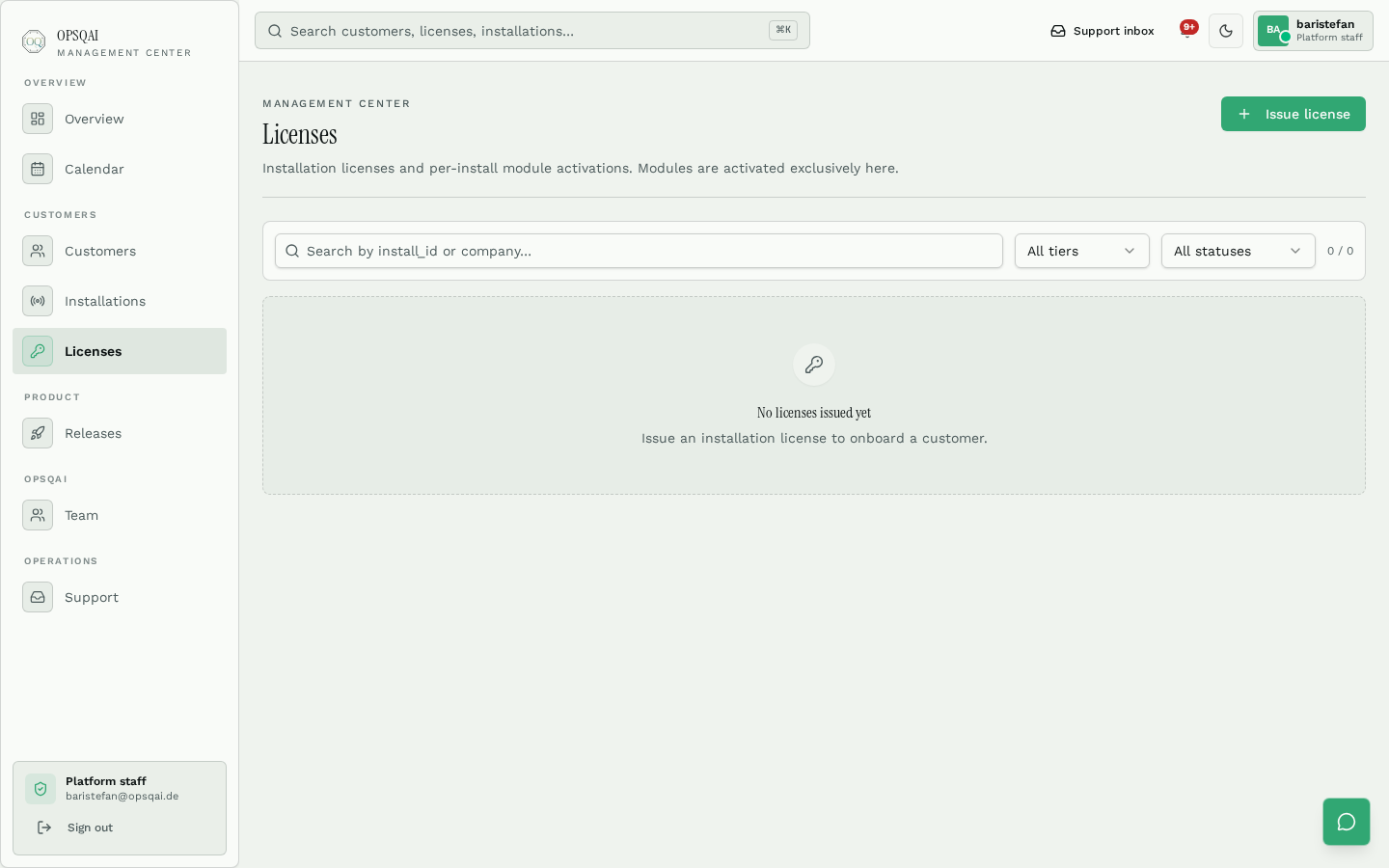
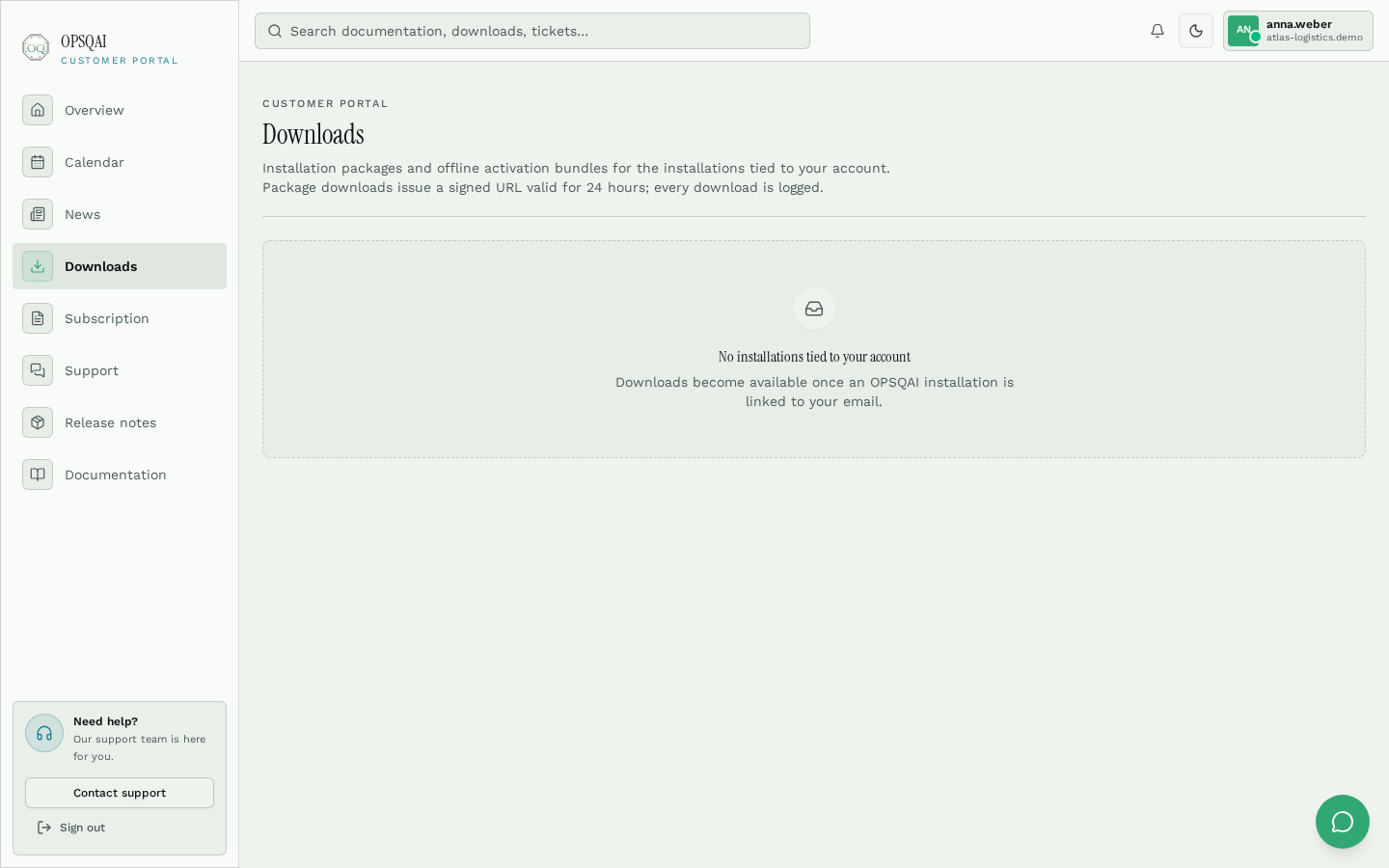
OPSQAI ist ein Windows-Self-Hosted-Produkt. Die beiden Cloud-Oberflächen — Management Center und Kundenportal — existieren ausschließlich zur Unterstützung der Installation. Mitarbeitende arbeiten niemals in der Cloud, sondern in ihrer eigenen Installation.
Nicht die Plattform zählt. Die Stunden, die Sie jede Woche verlieren, zählen.
Betriebe scheitern selten an fehlender Software. Sie scheitern daran, dass die richtige Anweisung in der entscheidenden Minute nicht erreichbar war.
- Was es Sie heute kostet
In jeder Schicht geht dieselbe Frage an dieselbe erfahrene Kollegin — und der Betrieb wartet auf die Antwort.
Was OPSQAI dagegen tutDer Assistent antwortet aus Ihren freigegebenen Dokumenten mit Quellenangabe oder verweigert. Ihre Fachkraft übernimmt nur die Ausnahme.
- Was es Sie heute kostet
Niemand kann sagen, welche Version eines Verfahrens letzten Monat tatsächlich befolgt wurde.
Was OPSQAI dagegen tutVersionierte Verfahren, Bestätigungen und ein hash-verkettetes KI-Audit — Nachweise entstehen, statt rekonstruiert zu werden.
- Was es Sie heute kostet
Mitarbeitende kopieren operative Dokumente in öffentliche KI-Tools, weil es schneller ist als Suchen.
Was OPSQAI dagegen tutDie Antwort bleibt in Ihrer Windows-Umgebung, auf Ihrer Datenbank, mit Ihrem KI-Anbieter — auch vollständig lokal.
Das Produkt ist die Windows-Installation.
Die OPSQAI Cloud dient nur der Lizenzierung, den Releases, der Installer-Verteilung, dem Kundensupport, dem Kundenportal und dem Management Center.
Interne Steuerungsebene. Firmen, Kunden, Installationen, Lizenzen, Releases, Signaturschlüssel, Aktivierungspakete, Verträge, Support, Eigentümerschaft, Portalverwaltung, Audit und Systemzustand. Wird nie verkauft, nie installiert und ist für Kunden nicht zugänglich.
Service-Oberfläche unter opsqai.de. Installer und Updates herunterladen, Aktivierungspaket abrufen, Dokumentation und Release Notes lesen, Abonnementdaten einsehen und Support-Tickets eröffnen. Kein Produkt — eine Serviceschicht darum.
Die Windows-Self-Hosted-Installation ist das Produkt und der einzige Arbeitsort für Mitarbeitende. Core umfasst belegten KI-Chat, Wissen, SOPs, FAQ, Academy, Audit, Nutzer sowie signierte Updates und Wiederherstellung. Microsoft Entra ID, inkrementelle SharePoint-Synchronisierung, menschlich freigegebene Email Intelligence und Teams-Zugriff verbinden bestehende Arbeit. Lizenzierte Produkte und unternehmensspezifische Workspaces erweitern sie für Banken, Operations, Logistik, HR und weitere Bereiche.
Mechanismus → Wirkung
Was die Technik Ihnen tatsächlich bringt.
Jede Zeile verbindet eine Funktion des Produkts mit dem geschäftlichen Ergebnis — und endet dort, ohne ein Versprechen, das wir nicht belegen können.
- Belegte Antworten mit Quellenangabe, Verweigerung ohne QuelleWeniger teure Fehler durch veraltete oder erfundene Anweisungen. Jede Antwort ist gegen ihr Dokument prüfbar.
- Academy-Pfade, Lektionen, Tests, ZertifikateNeue Mitarbeitende lernen aus denselben freigegebenen Verfahren, die der Betrieb wirklich nutzt — statt wochenlang mitzulaufen.
- Versionierte SOPs, Bestätigungen, KI-Audit, ExporteAuditnachweise entstehen laufend; eine Anfrage wird zum Export statt zur Wochenaufgabe.
- 47 %
- nennen fragmentiertes Wissen als größtes Produktivitätshindernis
- ca. 30 %
- Fluktuation p. a. in Logistik & Transport in Deutschland — jede Kündigung startet die Einarbeitung neu
- 120.000
- fehlende Lkw-Fahrer in Deutschland — die verbleibenden Menschen müssen mehr tragen
Quelle: Coveo EX Relevance Report (2025)
Wo wir keine Daten haben, behaupten wir nichts.
OPSQAI hat noch keine veröffentlichten Kundenreferenzen und behauptet keine Zertifizierung, die es nicht besitzt. Jede Wirkung oben ist eine Eigenschaft des ausgelieferten Produkts; die Größe der Wirkung in Ihrem Betrieb zeigt der Pilot.
Vom Kauf bis zum Produktivbetrieb
Kein öffentlicher SaaS-Workspace. Die verpflichtende Installationslizenz enthält Core dauerhaft; Fachprodukte und optionale Add-ons kommen über signierte Berechtigungen hinzu, plus jährliche Wartung.
- 01Installation lizenzieren
Jede lizenzierte Installation enthält Core dauerhaft. Hinzu kommen nur die benötigten Fachprodukte und optionalen Funktionen.
- 02Paket herunterladen
Signiertes Windows-Installationspaket im Kundenportal abrufen.
- 03Installer ausführen
Der Installer richtet PostgreSQL, Storage, Dienste und Caddy auf dem Windows Server ein.
- 04Lizenz aktivieren
Das von OPSQAI ausgestellte Ed25519-signierte Lizenzpaket einfügen. Module werden gemäß Lizenz freigeschaltet.
- 05KI konfigurieren
KI-Anbieter wählen — OpenAI, Azure OpenAI, Ollama, OpenRouter oder einen kompatiblen Endpunkt.
- 06OPSQAI nutzen
Benutzer einladen, SOPs einlesen und operative Fragen mit belegten Quellen beantworten.
Bereit, die Architektur live zu sehen?
Sprechen Sie mit uns über eine Referenzinstallation des Windows-Self-Hosted-Produkts.